.svg)



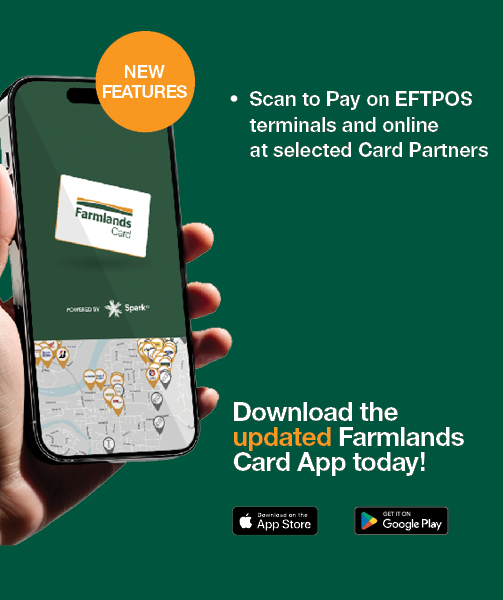
Scan to Pay is here!
Paying with your Farmlands Card just got easier.
With Scan to Pay, you can now scan Centrapay QR codes on EFTPOS terminals and online using the Farmlands Card App. Simply tap the Centrapay icon at checkout and complete your payment from your phone — no physical card required.
How Scan to Pay works at selected Card Partners
At EFTPOS terminals or online, on your computer
- Tap the Centrapay option at checkout or Click Farmlands Card online
- Scan the QR code displayed by selecting “Click to scan QR code” in the Farmlands Card App
- Choose which Farmlands Card you’d like to pay with
- Confirm and you’re done
When shopping online with Farmlands, on your phone
- Select Farmlands App during checkout
- The Card App will open automatically
- Choose the Farmlands Card you’d like to use and confirm payment — no scanning required
Where you can use Scan to Pay
Scan to Pay is live and ready to use today with selected Farmlands Card Partners and on the Farmlands online store. It’s a faster way to process payments and makes online shopping even simpler.
Download the Farmlands Card App today to start using Scan to Pay and make paying with your Farmlands Card even easier.
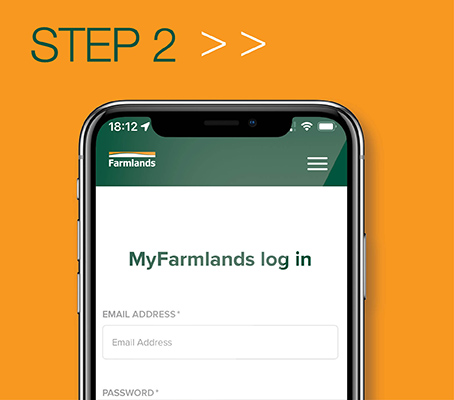
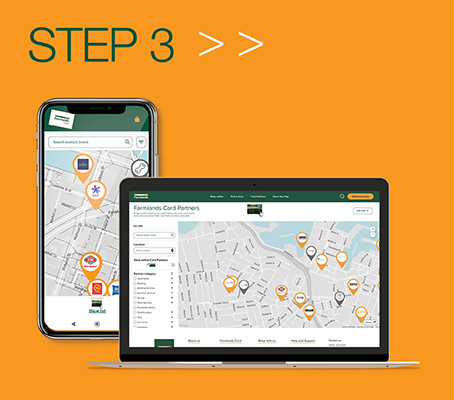
Getting started is as easy as 1, 2, 3: